Apple Pay
Pay faster and more securely with Apple Pay™ and your Adriatic Bank Visa card
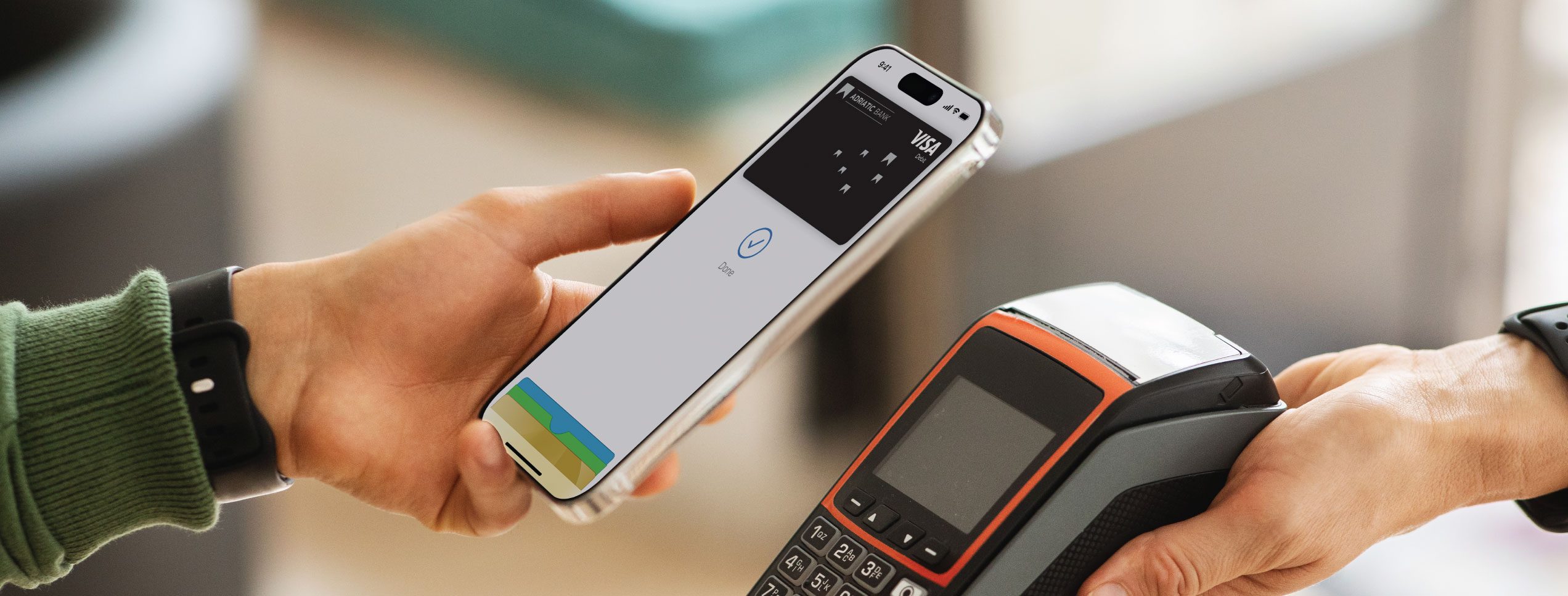
Discover a faster and easier way to pay with your Adriatic Bank Visa card using Apple Pay™. Add your card to Apple Wallet for secure, contactless payments in stores, apps, and online—wherever Apple Pay™ is accepted. It’s fast, secure, and protects your information.
What are the benefits of paying with Apple Pay and your Adriatic Bank Visa card?

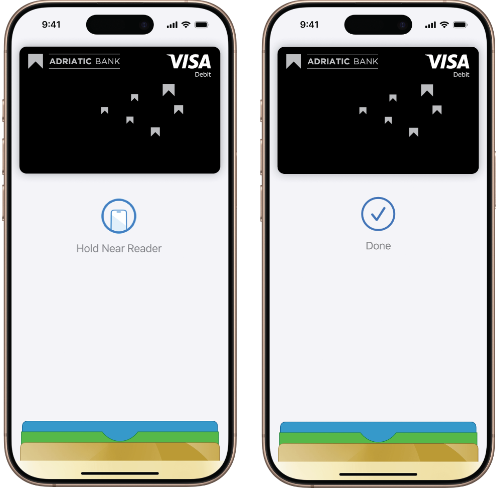
Fast, convenient, contactless: Pay anywhere Apple Pay and contactless payments are accepted, both domestically and abroad. Move through checkout in seconds—no need to take out your wallet.
Secure: Apple Pay doesn’t share your actual card number—your information stays protected with advanced encryption and iOS security features. Apple Pay encrypts millions of transactions daily, keeping you safe every time.
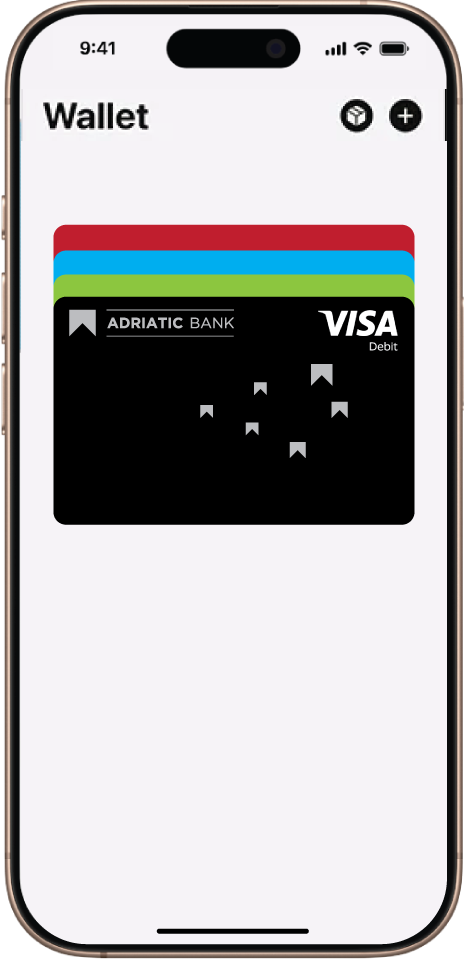
Everything under your control: Easily manage your cards in the Apple Wallet app. If you lose your phone, use Find My to lock or erase it remotely.
How to get started?
Getting started is simple—in just a few steps:
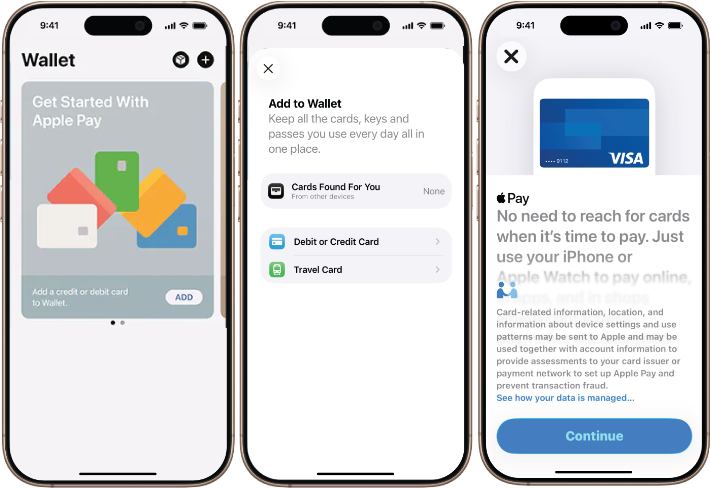
- Open the Apple Wallet app or download it from the App Store.
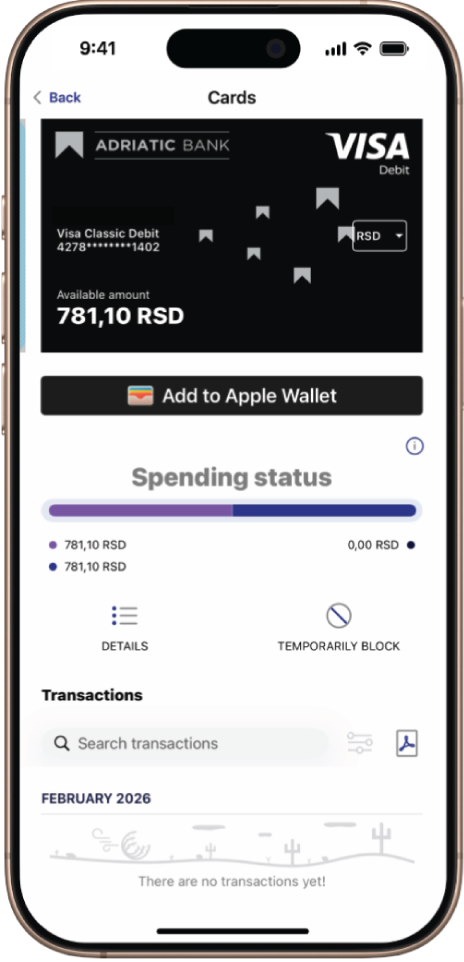
- Select “Add to Wallet” and follow the instructions.
- Capture an image of your Adriatic Bank Visa card or enter the details manually.
- Verify your card if required. You’re all set!